01
Qualify the brief
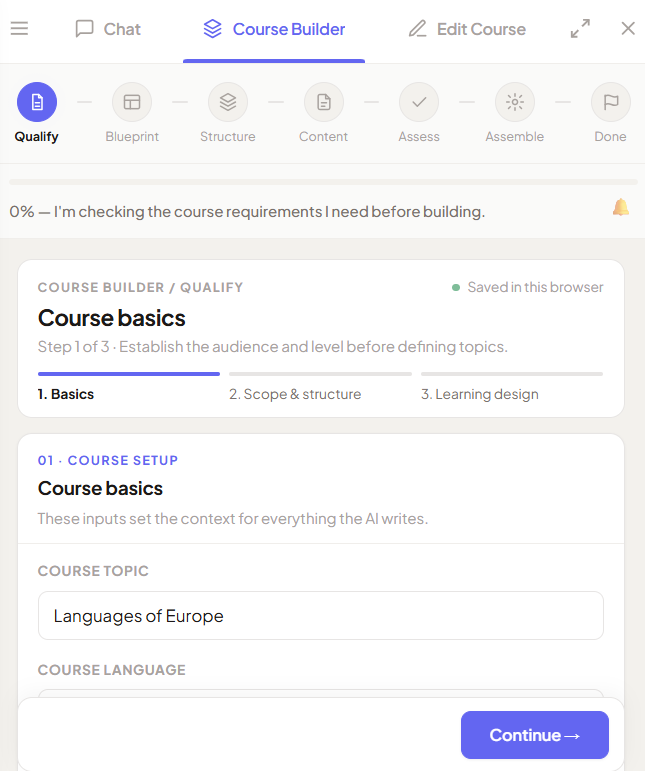
The workflow asks about audience, level, language and learning design before it builds.
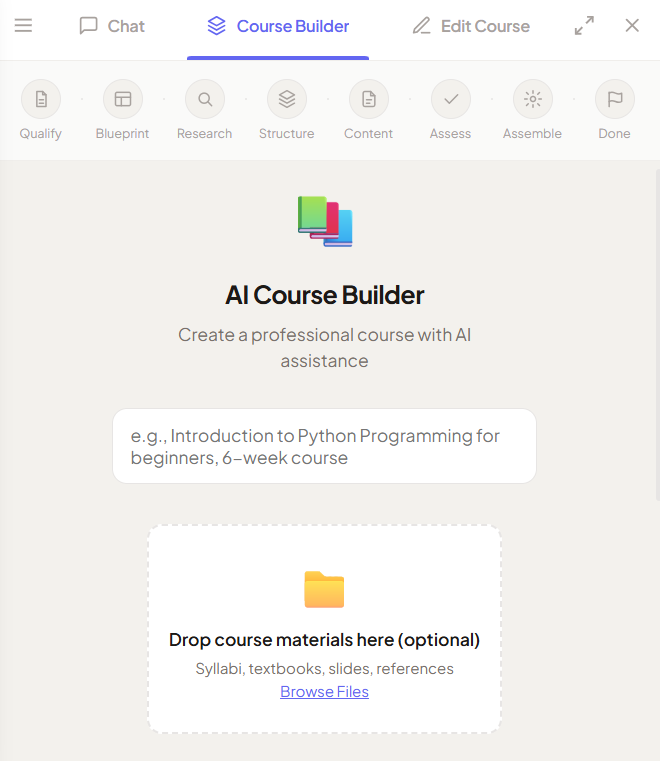
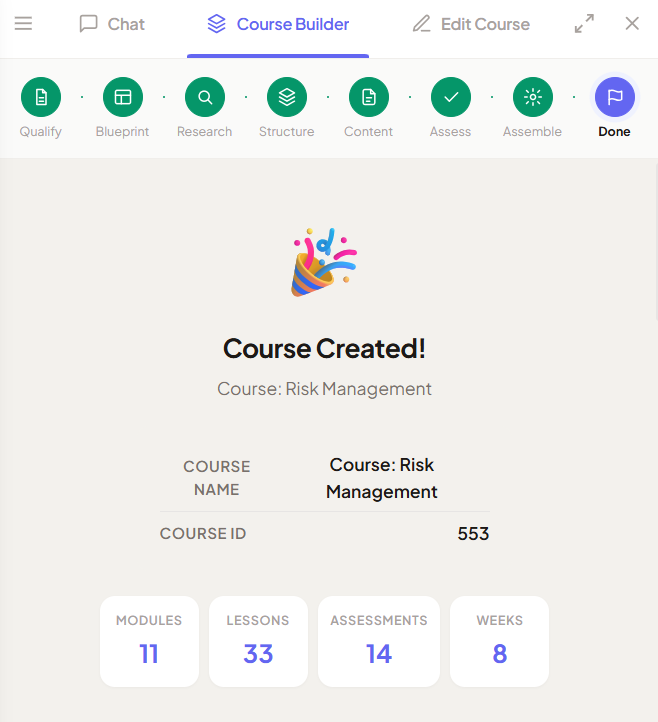
Course Builder collects the qualifying information, develops the course stage by stage, shows the instructor each output for approval and publishes directly into CanPlus.
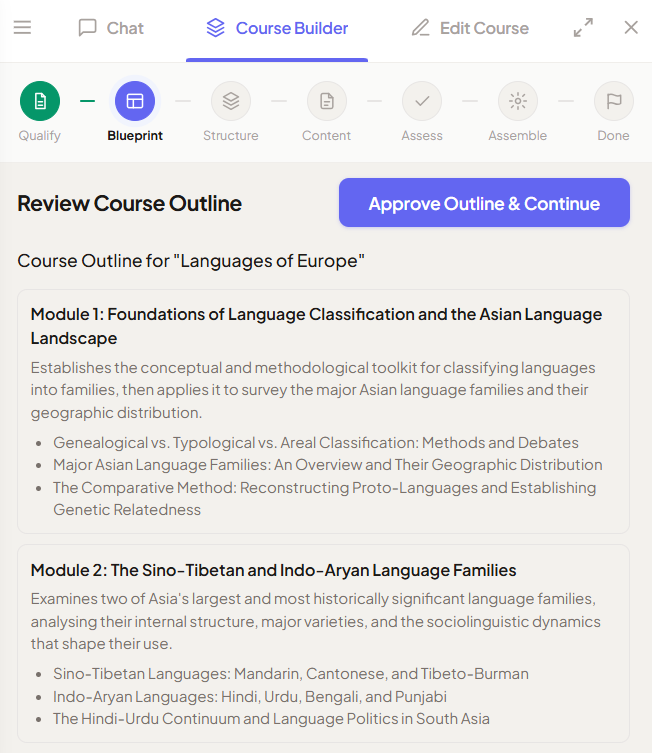
The strongest part of Course Builder is not that it can generate content; it is that the workflow keeps the instructor responsible for what gets taught.
The workflow asks about audience, level, language and learning design before it builds.
Structure modules and lessons before full content generation.
Develop course material with academic and training checks.
The instructor remains in the loop rather than being replaced by one-shot generation.
Generate objective assessment elements as part of the build.
Move the approved course directly into CanPlus.
The sequence plays once when it enters view, then stops on the published course. Replay it when you want to inspect the flow again.
Bring your current LMS, user numbers, AI goals and deployment requirements. We will shape the conversation around them.
Tell us what you are evaluating. We will shape the session around product, AI, deployment, migration or a regional route.